API to MCP
Turn any HTTP API into an MCP server your AI agent can call.
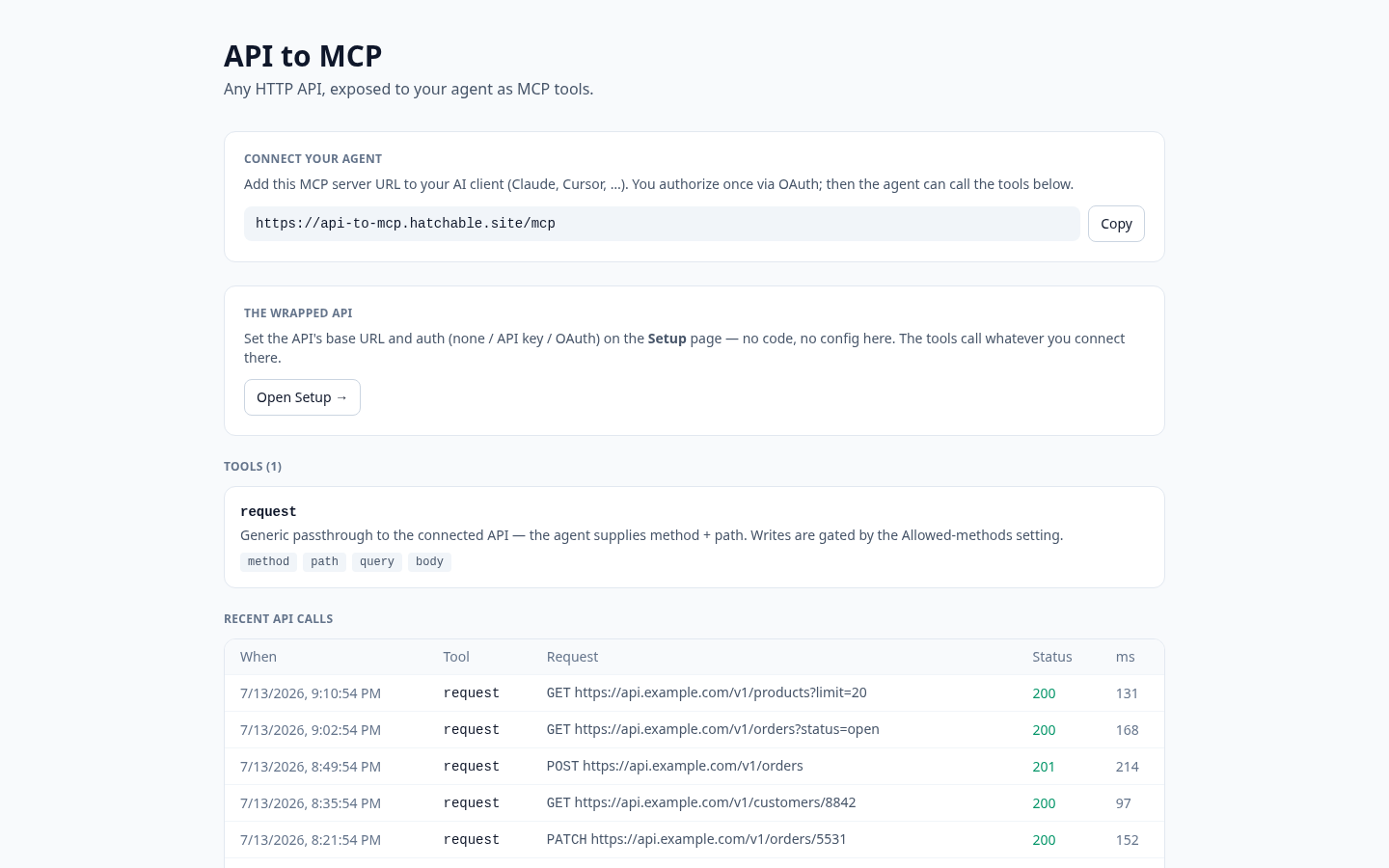
You want your AI assistant to hit an internal API. The one your team already built and documented. But there is no MCP server for it, and writing one from scratch is a project you do not have time for.
API to MCP is a starter that wraps any HTTP API as an MCP server. Point it at a base URL, set your auth, and your agent gets a tool it can call. The API stays exactly as it is; this is the bridge that sits in front of it.
Wrap your billing API, your internal search, or a third-party service you already pay for, then connect your agent and let it make real calls against it. Owner-only by default, so nobody but you can reach it.
Everything is scoped to you, with credentials stored server-side and never exposed to the agent. Bring your own API and keys.
Copy and Launch it, point it at an API, and connect your agent in minutes.
Talk to it from your AI
Once API to MCP is on your account, the same AI you used to install it can read its data, send its emails, and change its code — for the life of the project. Try things like:
Every Hatchable project ships with an MCP server scoped to it — how it works.
MCP tools
Make an HTTP request against the wrapped API and return the response to the agent.
Features
Wrap any API
Point it at a base URL and it becomes an MCP server. REST and JSON that you already have, with no rewrite required.
Auth handled server-side
Store your keys and headers on the server. The agent makes calls without ever seeing a credential.
Owner-only by default
Only you can reach the wrapped API. Nothing is exposed until you decide it should be.
One tool, any endpoint
A single request tool covers your whole API surface. Method, path, and body are up to the agent.
What you get
- Source code, deployed to your account on Hatchable
- Your own subdomain (or BYO custom domain on the Builder plan)
- A real Postgres database, scoped to this app
- The ability to make a copy, edit it, and redeploy via your AI tool
- CSV export of your data, any time