mcpMail
Webmail on your own domain — your agents draft replies, you approve what sends.
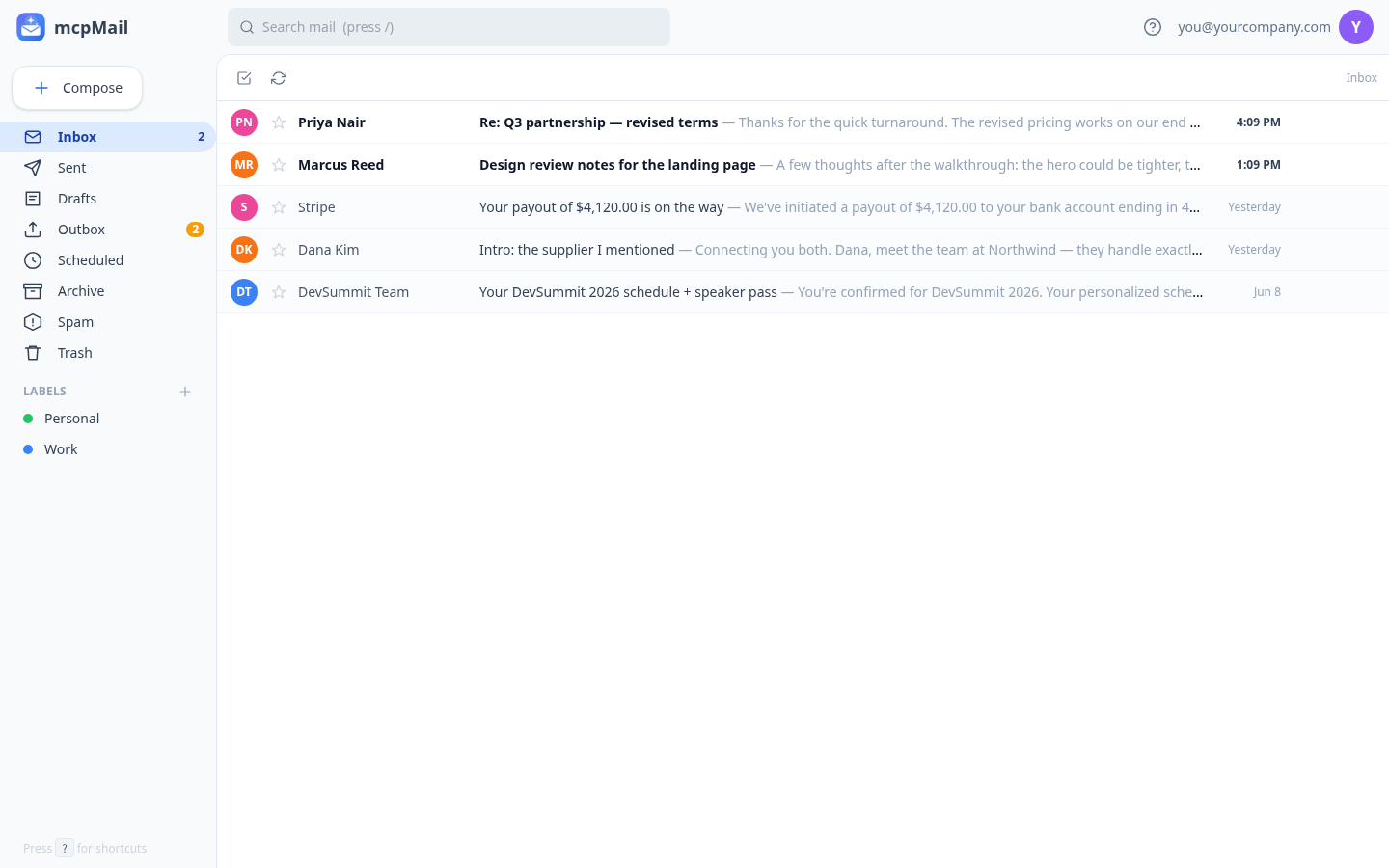
You'd love to let an AI assistant help with your email. But handing software your inbox is a nervous thing: one wrong reply to the wrong person and you can't take it back.
mcpMail is a full webmail client that runs on your own domain. Connect an AI client over MCP and it can read your inbox, search it, pull up a contact's history, and write replies. The catch that makes it safe: every draft it writes lands in your Outbox, not the recipient's inbox. You see exactly what it wrote, then approve, edit, schedule, or reject. Nothing goes out without you.
So your assistant can work through the overnight pile and draft the easy replies while you sleep. In the morning you skim the Outbox and approve the good ones with a click. Once you trust it for certain mail, like replies to people who already emailed you, you add an auto-send rule and those go on their own.
Underneath it's a real mailbox: conversations, search, labels, attachments, and a contact list that builds itself from who you talk to. Send and receive on your own domain with DKIM and SPF set up for you, or claim a free you@hatchable.email address in seconds (25 emails a day, in or out) and move to your own domain when you're ready.
Copy & Launch to run your own. Your mail lives in your project's database, on infrastructure you control.
Talk to it from your AI
Once mcpMail is on your account, the same AI you used to install it can read its data, send its emails, and change its code — for the life of the project. Try things like:
Every Hatchable project ships with an MCP server scoped to it — how it works.
MCP tools
List recent conversations in a folder (inbox, sent, drafts, outbox, scheduled, archive, spam, trash) with subject, participants, snippet, and unread counts.
Read a full conversation as plain text — every message in order, with direction, from, to, subject, and date.
Full-text search across all mail (subject, sender, body); returns the matching conversations with a snippet.
A contact's history: messages exchanged, first and last seen, your saved name/notes/tags, and recent threads — context before drafting a reply.
Draft a message into the Outbox for the owner to review. Never sends on its own unless the owner has set a matching auto-send rule.
Features
A real inbox, on your domain
Conversations, search, labels, attachments, and a contact list that builds itself. Send and receive as you@yourcompany.com, with DKIM and SPF set up for you.
Your agent drafts; you approve
Connect Claude, Cursor, or any MCP client. Your agent reads the inbox and writes replies, but they wait in your Outbox until you approve them. It cannot send on its own.
Auto-send rules when you trust it
Ready to let some mail go automatically? Add a rule: replies to people who emailed you first, a whole domain, or a single address. Everything else still waits for you.
Free to start, no DNS
Claim a you@hatchable.email address in seconds and start sending and receiving right away (25 emails a day, in or out). Bring your own domain whenever you are ready.
A contact for every conversation
Every sender becomes a contact with the full thread history and your private notes, the context your agent can look up before it drafts a reply.
Five MCP tools, drafts only
list_mail, read_thread, search_mail, get_contact, and draft_email. Everything is read-only except draft_email, which only ever proposes, so connecting an agent cannot put a foot wrong.
What you get
- Source code, deployed to your account on Hatchable
- Your own subdomain (or BYO custom domain on the Builder plan)
- A real Postgres database, scoped to this app
- The ability to make a copy, edit it, and redeploy via your AI tool
- CSV export of your data, any time